 Abdur Rouf
Keyword research is the process of finding the words and phrases people type into Google when they need what you offer, then deciding which of them each page on your site should target. To do it, start from your business, expand a seed list with tools, check the intent behind each search, judge whether you can compete, and prioritise by value.
This guide walks through that process in eight steps. It covers the free tools that are enough for most small sites and what paid tools add. It also shows how to read search volume without being misled, and how to turn a long spreadsheet into a short list of pages worth writing.
It is written for business owners and marketers doing this themselves, and for agencies who want a repeatable method.
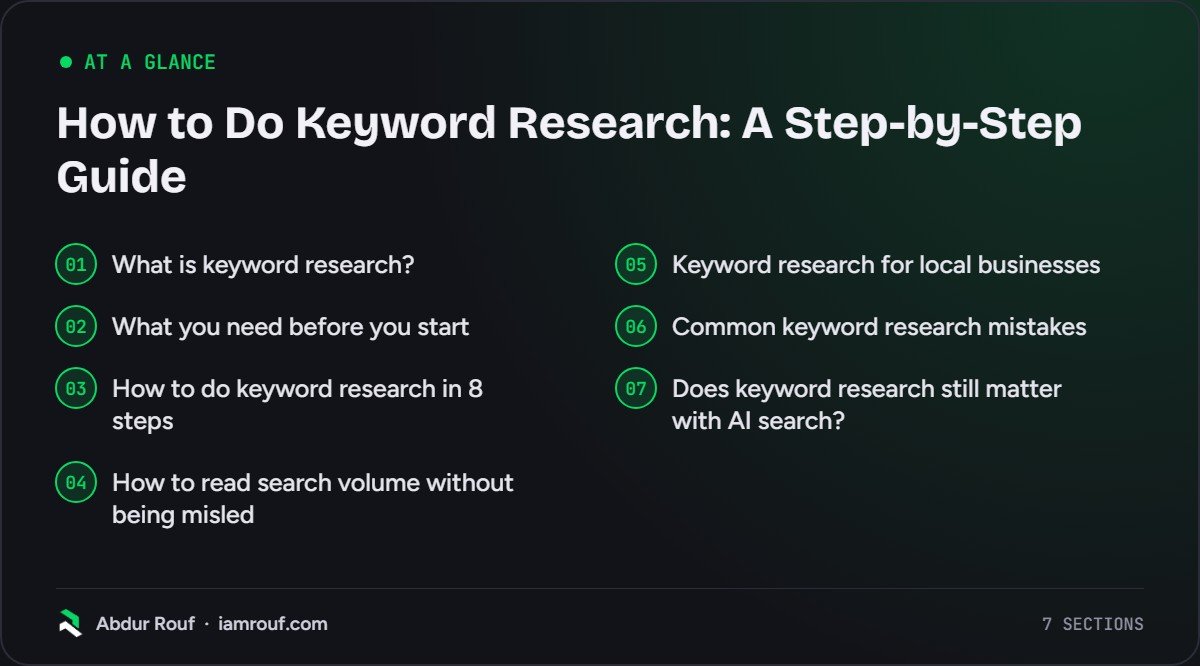
What is keyword research?
Keyword research is finding the search terms your potential customers use and choosing which ones to target with which pages. It answers three questions: what people search for, why they search for it, and whether your site has a realistic chance of ranking for it. The output is a keyword map, not a list.
Every keyword you look at has a few attributes worth knowing:
- Search volume: roughly how many times a month people search for it. Useful for comparison, never exact.
- Search intent: what the person wants to do, such as learn, compare, buy or find a specific site.
- Difficulty: how hard it would be to rank on page one, given who already ranks there.
- Business value: how likely someone searching it is to become a customer.
- The SERP itself: what Google actually shows, such as articles, product pages, a map pack or videos.
Most people over-weight the first and ignore the last. In my experience, business value and the SERP tell you far more about whether a keyword is worth your time.
Google’s own SEO Starter Guide puts the idea simply: think about the words a user might search for to find your content. It also says not to worry if you do not anticipate every variation, and warns that keyword stuffing is against Google’s spam policies. Keyword research is about understanding your audience, not repeating phrases.
What you need before you start
You do not need an expensive tool to do keyword research for a small business. You need a spreadsheet, a clear list of what you sell, and a few free tools. Paid tools save time and add data, which matters more as the site grows.
| Tool | Cost | What it gives you | Watch out for |
|---|---|---|---|
| Google Search (autocomplete, People also ask, related searches) | Free | Real phrasing and follow-up questions | No volume data |
| Google Search Console | Free | Queries your site already appears for | Only shows what you already rank for |
| Google Keyword Planner | Needs a Google Ads account with billing details | Keyword ideas and monthly search estimates | Built for advertisers, not SEO |
| Google Trends | Free | Seasonality and relative interest over time | Relative scale, not search counts |
| Paid suites (for example Ahrefs, Semrush) | Mostly subscription, some limited free versions | Volume estimates, difficulty scores, competitor keywords, clustering | All figures are estimates |
Set up a spreadsheet with columns for keyword, volume, intent, difficulty, business value, target page and notes. You will fill it in as you go.
How to do keyword research in 8 steps
These steps run in order. Skipping straight to a tool and exporting thousands of terms is the most common way to waste a week.
Step 1: Start from your business, not a tool
Write down what you sell, who buys it and the problems they have before they buy. These become your seed keywords: short, broad terms that describe your products, services and customers’ problems.
Say you run a plumbing business in Leeds. Your seeds might be “boiler repair”, “emergency plumber”, “leaking tap”, “bathroom installation” and “plumber Leeds”. Ask your sales or customer service team which words customers actually use on the phone. Those are often different from the words you use internally.
Step 2: Expand the list with free Google tools
Type each seed into Google and note the autocomplete predictions, the People also ask questions and the related searches at the bottom of the page. Google’s help page on how autocomplete predictions work says they reflect real searches done on Google, influenced by the language and location of the query and by trending interest. That makes them a good source of natural phrasing.
If your site already gets traffic, open the Performance report in Google Search Console and look at the Queries table. It shows the searches you already appear for, including ones you never targeted on purpose. These are often your quickest wins, because Google already connects your site with them.
Google Keyword Planner adds ideas and monthly search estimates. Its help page on using Keyword Planner says you need to complete your Google Ads account setup, including billing information, to use features such as getting new keyword ideas. It also notes that keywords with very low search volumes are not discoverable in the tool, so do not assume a phrase has no searches just because Keyword Planner does not show it.
Step 3: Add a paid tool if you need scale or competitor data
Paid tools are worth it when you have a lot of pages to plan, or when you want to see which keywords competitors rank for. Ahrefs’ Keywords Explorer and Semrush’s Keyword Magic Tool both offer search volume estimates, a keyword difficulty score, search intent labels and grouping of related keywords into clusters. Ahrefs also shows a “Traffic Potential” estimate of traffic from ranking first for a topic.
A useful paid-tool exercise: enter a competitor’s domain and look at the pages that bring them the most search traffic. You are looking for topics you have not covered, not keywords to copy blindly.
Treat every number from these tools as an estimate. Different tools will give different figures for the same keyword, and that is normal.
Step 4: Check the search intent behind each keyword
Search intent is the reason behind a search. Most SEOs group it into four types: informational (learning), navigational (looking for a specific site), commercial (comparing options) and transactional (ready to buy or book). You match intent by giving Google the type of page it already ranks for that query.
The only reliable way to check intent is to search the keyword yourself and look at page one. If the top results for “boiler repair cost” are guides and price explainers, a service page will struggle there. If “emergency plumber Leeds” shows a map pack and local service pages, a blog post will struggle.
Note the intent in your spreadsheet. Also note the format (guide, list, comparison, product page, local page) and any angle that keeps appearing, such as “for beginners” or “in 2026”.
Step 5: Judge difficulty against your own site
A keyword difficulty score tells you how hard a term is in general. It does not tell you how hard it is for you. A score of 30 might be easy for an established site and out of reach for a new one.
So check page one yourself. Ask:
- Are the ranking sites much bigger or better known than yours?
- Do the ranking pages answer the query well, or are they thin, dated or off-topic?
- Are there smaller sites like yours on page one? If so, it is winnable.
- Is Google showing mostly features (ads, map pack, videos, AI Overviews) that push the organic results down?
For a newer or smaller site, more specific phrases are usually the better starting point. They have fewer searches, but the people searching them know what they want and fewer strong sites compete for them.
Step 6: Group keywords into pages
Many keywords on your list mean the same thing. “Boiler repair Leeds”, “Leeds boiler repairs” and “boiler fix Leeds” do not need three pages. One good page can rank for all of them.
The test is simple: if Google shows largely the same results for two keywords, they belong on one page. If the results are different, they probably need separate pages. Grouping by shared results keeps you from creating several weak pages that compete with each other.
Each group gets one primary keyword (usually the clearest or highest-volume phrase) and a handful of secondary ones that the page should also cover naturally.
Step 7: Prioritise by business value
This is the step most keyword research guides skip, and the one that matters most to a business. A keyword with 50 searches a month from people ready to hire you can be worth more than one with 5,000 searches from students.
Score each keyword group out of three on business value, likelihood of ranking and effort, then sort. A simple order that works for most businesses:
- Pages that sell (service, product, category and location pages) for keywords you can realistically rank for.
- Commercial content that helps people choose, such as comparisons, costs and “best” guides in your field.
- Informational content that answers your customers’ real questions and links to the pages that sell.
- Broad, high-volume topics you want to build towards over time.
Step 8: Build a keyword map and plan the work
A keyword map assigns each keyword group to one URL, either an existing page or a new one to create. It prevents duplication and gives you a content plan in the same document.
| Keyword group | Primary keyword | Intent | Target page | Action |
|---|---|---|---|---|
| Boiler repair | boiler repair leeds | Transactional, local | /boiler-repair/ | Improve existing page |
| Boiler repair cost | how much does a boiler repair cost | Informational | New guide | Write, link to /boiler-repair/ |
| Emergency callout | emergency plumber leeds | Transactional, local | /emergency-plumber/ | Create page |
The table above is a hypothetical example to show the format. Once the map exists, work through it in priority order and apply the basics from my on-page SEO checklist to each page as you write or update it.
How to read search volume without being misled
Search volume is an estimate of monthly searches, usually averaged over a year. It is useful for comparing keywords against each other and almost useless as a traffic forecast for a single page.
Three things to keep in mind:
- Tools disagree. Each one estimates from its own data, so the same keyword can show very different numbers. Compare keywords inside one tool rather than mixing sources.
- Seasonality hides in averages. A keyword like “lawn care” may be busy in spring and quiet in winter. Google Trends shows this pattern. Its FAQ about Trends data explains that the data is normalised and scaled on a range of 0 to 100, so it shows relative interest, not search counts.
- One page ranks for many keywords. A good page often gets traffic from dozens of related searches, so the volume of its main keyword understates its potential.
Low or zero volume does not mean nobody searches it. For specialist B2B services and local trades, some of the most valuable searches barely register in any tool.
Keyword research for local businesses
If you serve customers in a particular area, your keyword research has an extra layer. Many searches include a place name (“electrician Cardiff”) or have local intent without one (“electrician near me”, or just “electrician” typed on a phone).
For local keywords, Google often shows a map pack above the organic results. That means some of your keyword targets are won through your Google Business Profile rather than your website. Combine this process with my local SEO checklist so the two work together.
Build your list from service plus location combinations, but only create separate location pages where you genuinely serve that area and have something specific to say about it.
Common keyword research mistakes
- Chasing volume. High-volume keywords are usually broad, competitive and low in buying intent.
- Ignoring the SERP. If Google ranks guides and you write a sales page, the page type is wrong before you start.
- One page per keyword variation. Near-identical pages split your signals and can end up competing with each other.
- Trusting difficulty scores without looking. A score is a general estimate, not a verdict about your site.
- Doing it once. Search behaviour changes. Revisit your keyword map at least once a year and check Search Console for new queries.
- Stuffing the keyword in. Use the words naturally in the title, headings and copy. Repetition does not help and Google’s guidelines warn against it.
Keyword research is one part of a wider plan. If you have not set goals and priorities yet, start with how to build an SEO strategy for your business, then come back to this process.
Does keyword research still matter with AI search?
Yes. AI Overviews and AI assistants still respond to questions people type or speak, and they still cite web pages. Keyword research tells you which questions your customers ask and how they phrase them, which is the same input you need to be useful in AI answers.
What changes is the emphasis. Longer, conversational questions matter more, and covering a topic thoroughly matters more than matching one exact phrase. My guide to generative engine optimisation covers how to adapt content for AI search.
FAQs
Can I do keyword research for free?
Yes. Google autocomplete, People also ask, related searches, Search Console and Google Trends cost nothing. Together they give you real phrasing, follow-up questions, the queries you already appear for and seasonality. Keyword Planner adds search estimates but needs a Google Ads account. Paid tools mainly save time and add competitor data, which matters more on larger sites.
How many keywords should I target per page?
Give each page one primary keyword and a small group of closely related secondary keywords that share the same intent. If Google shows the same results for two phrases, one page can target both. If the results differ, they usually need separate pages. There is no fixed number; the shared intent decides it, not a count.
How long does keyword research take?
For a small business site with a handful of services, a first pass through the eight steps can be done in a day or two. A larger site, such as a shop with many categories, takes longer because there are more groups to check and map. After the first pass, short monthly or quarterly reviews keep the map current.
What makes a good keyword to target?
A good keyword has clear intent that matches a page you can create, enough people searching it to matter to your business, and a page one you can realistically compete on. Business value counts most: a modest number of searches from people ready to buy usually beats a large audience that only wants free information.
Turn your keyword list into rankings
Work through the eight steps and you will end up with a keyword map that tells you exactly which pages to improve and which to create. If you would rather have someone with experience build that map for you and turn it into a content and SEO plan, take a look at my SEO consultancy services.